Writing an outline
An outline is your plot in your own words: a plain page that describes the book the way you’d tell it to a friend.
Open the outline
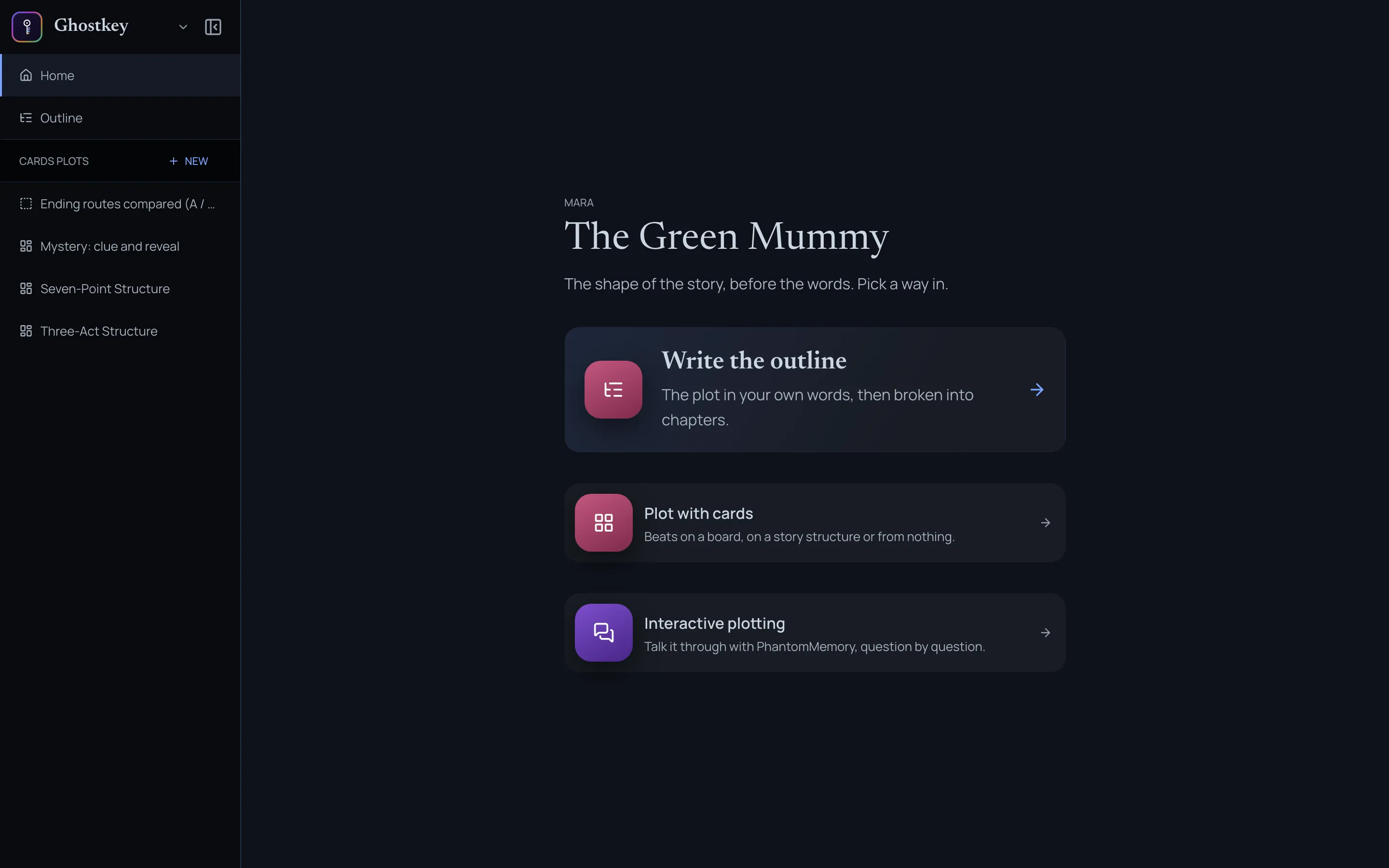
Open Mara, the plotting room, and pick Write the outline. It’s also Outline in Mara’s menu.
Write it
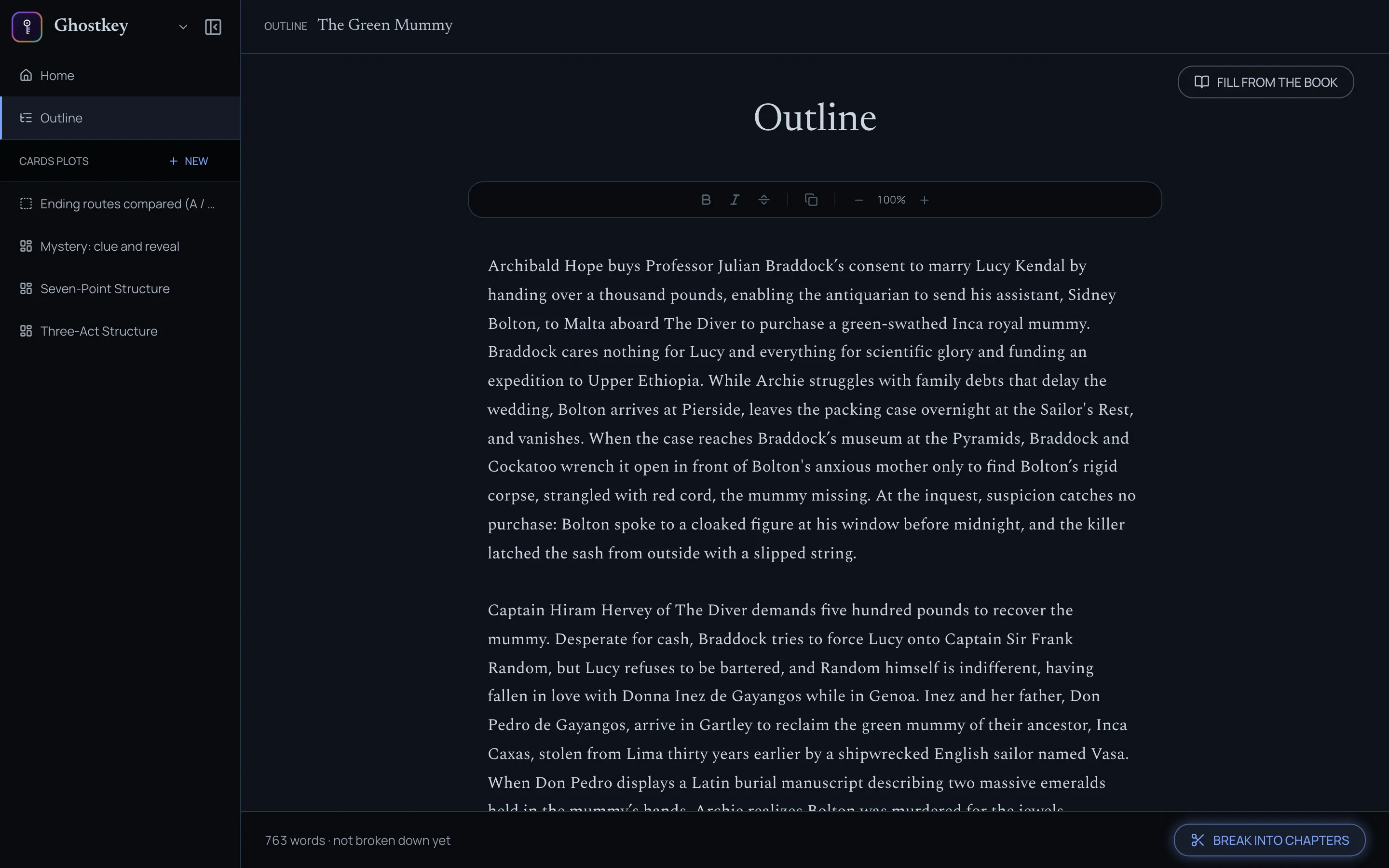
Write however suits you: a paragraph per act, a line per chapter, loose or tight. There’s nothing to set up, and it saves as you go. The bar at the bottom keeps a word count and tells you whether the outline has been broken into chapters yet.
Replotting a book you’ve already written
If the book already has chapters, click Fill from the book at the top right. Ghostkey reads your manuscript and writes an outline of it onto the page. Then edit that outline to reflect the changes you want.
If you’ve already written something on the page, it asks before replacing it.
How to write a good outline
Good outlines take time. Don’t hesitate to take breaks and come back to re-read it with fresh eyes.
Don’t get too specific from the start. You can use the snowflake method: start with one simple idea, a sentence that says what the book is about, and expand it little by little. That sentence becomes a paragraph, the paragraph becomes one per act, and each act grows into its turns and scenes. Each pass only adds detail where the previous one is solid.
Discuss it with the chat
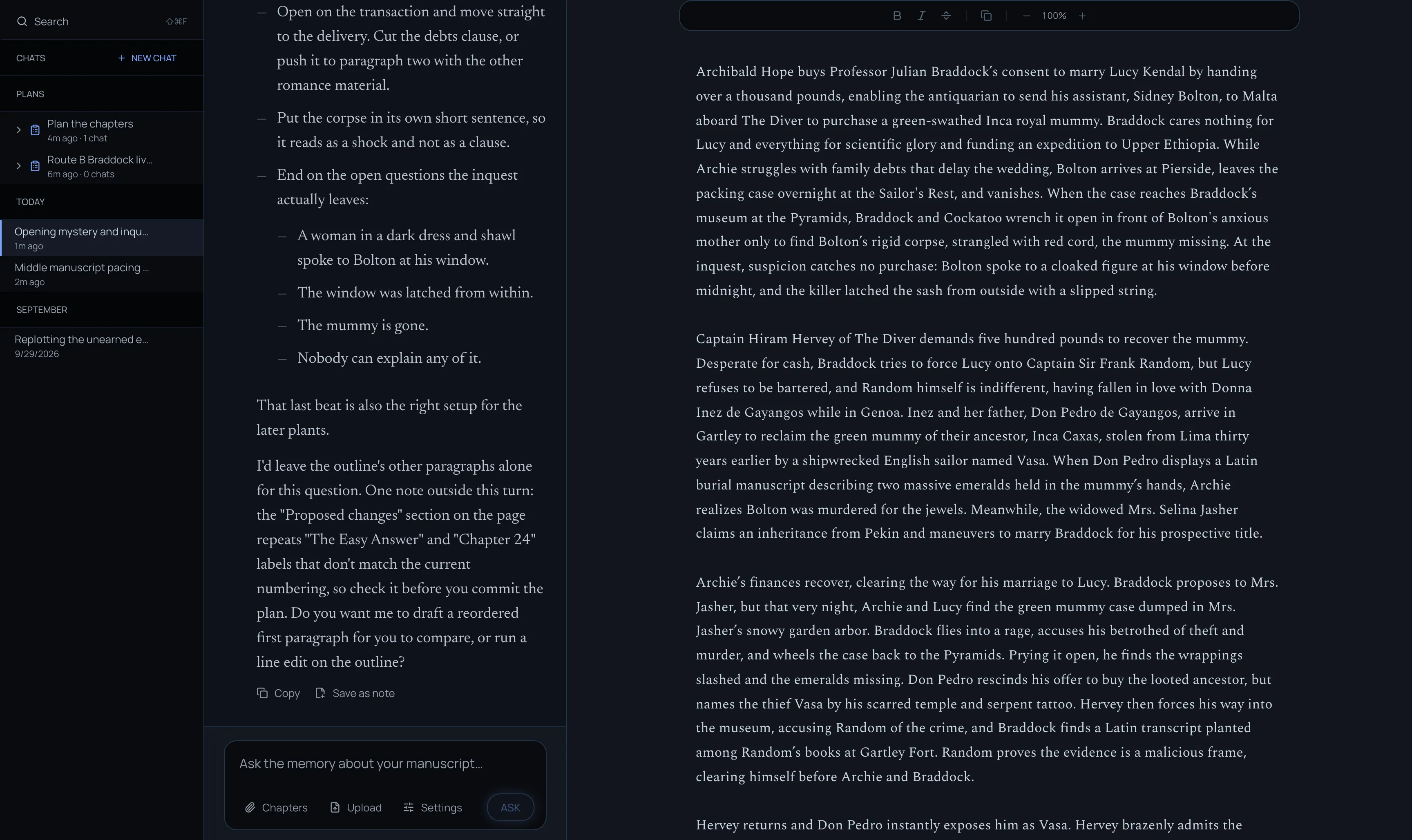
You can talk your outline over with PhantomMemory at any time. Open a chat and ask it to “open my outline”. The outline opens beside the conversation, and you can ask anything about it: “Is the middle too slow?”, “What does Lucy want in act two?”, “Tighten the opening paragraph.” When the chat suggests changes to the outline, they land on the page next to you.
Break it into chapters
When you’re ready, click Break into chapters at the bottom right. It opens a chat that plans the chapters from your outline. See The chapter plan.