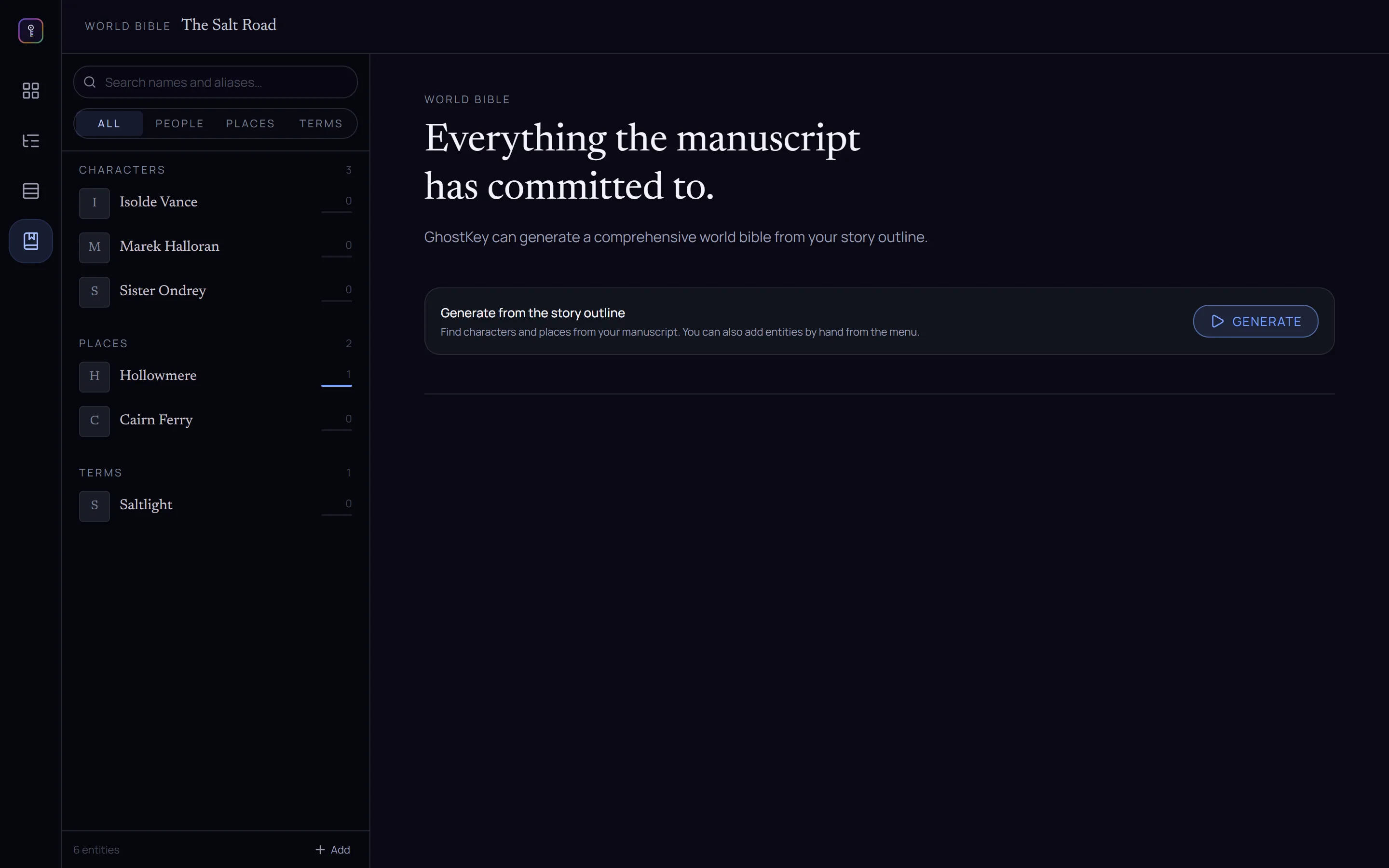
Plot your way.
Write the plan as an outline in prose, or lay it out as beat cards on a board.
Ghostkey comes with a variety of beats sheets, and lets you create your own. When you're ready, it turns your plan into chapters.
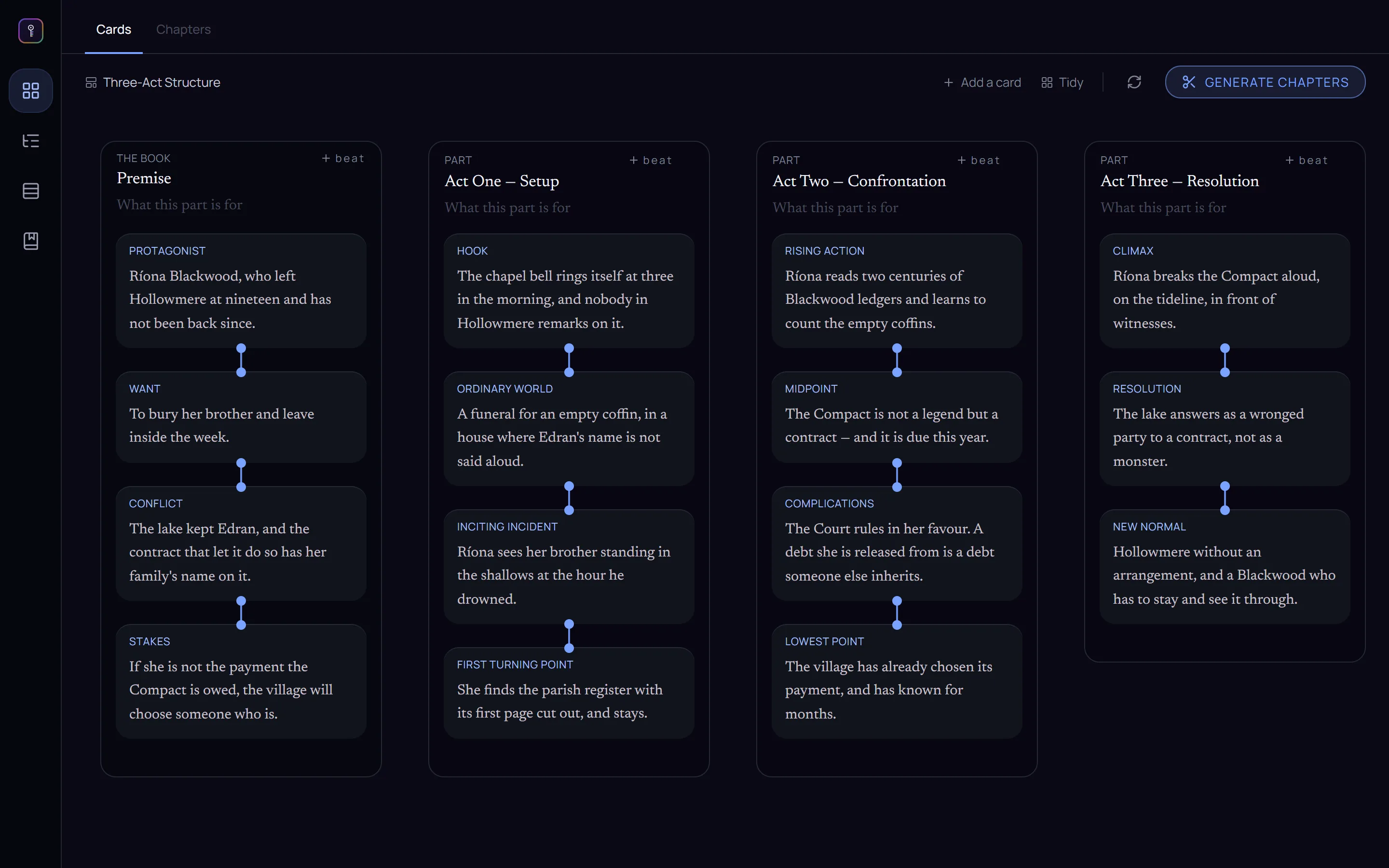
Already written it? Plan from the draft.
Ghostkey reads your manuscript and builds the plan from it. You can pick an outline written from the book, or a beats map from a template.
A messy first draft, a book that needs a new spine: read it into a plan, reshape the plan, and turn it back into chapters. You choose what to keep and what to change.
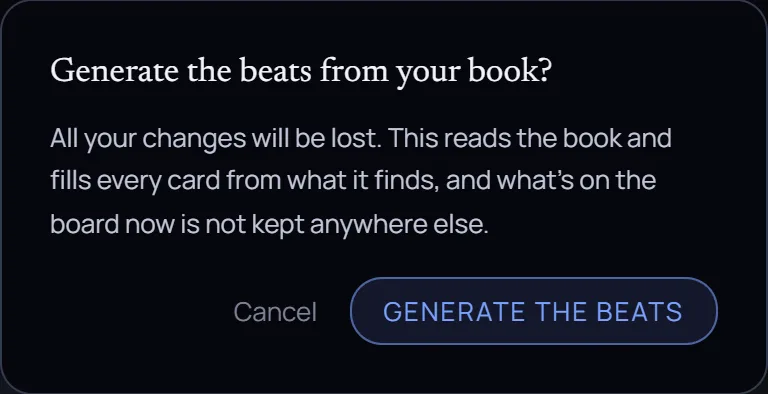
From plan to chapters, in one click.
Once you're happy with your plot, Ghostkey helps you turn it into chapters. You can refine the list yourself or through the interactive chat.
It's a proposal, not the book yet. Edit a chapter, drag to reorder, group into parts, add one or drop one. Planning over a book that already has chapters? It proposes changes instead — each one accept-or-skip — and you can revise in plain words: "merge the two funeral chapters", "give the middle more room to breathe".
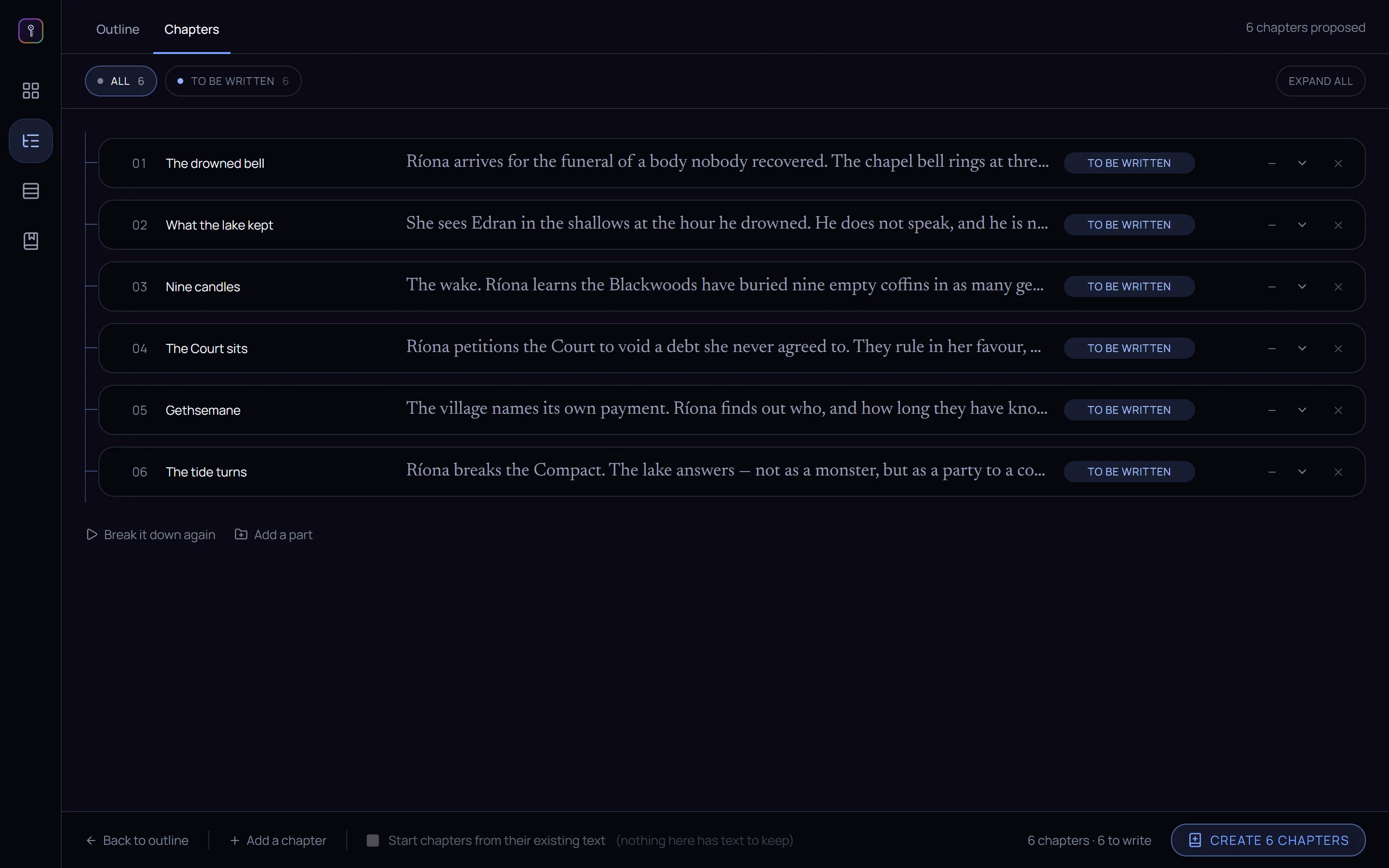
A living world bible.
Write a new character into a chapter and they show up in the margin on their own. No form to fill, no sticky note to lose.
Every character, place and term gets a card: who they are, what the book has established, which chapters they walk through. When one of them steps into the scene you're writing, their card appears beside the page — so you never tab away to check whether the innkeeper was Marta or Merta. Your own entries and corrections always win.