How to create a character
Some writers like to define their characters before they write, and others prefer to discover them in the writing. This guide is for the first way. If you want to create characters from what you’ve already written, follow Identify characters.
At heart, a character is a tension between what they need (not what they want!) and their backstory. Someone who needs love and has been hurt before. Someone who needs to vanquish the evil king, and is bullied for being small and weak.
That tension is where the conflict comes from, and the conflict is what moves the story forward.
In Ghostkey, we build that depth in two layers: the character’s backstory, then their GMC (goal, motivation, conflict). This guide goes through both, then gives them a face.
Start a character in Veil
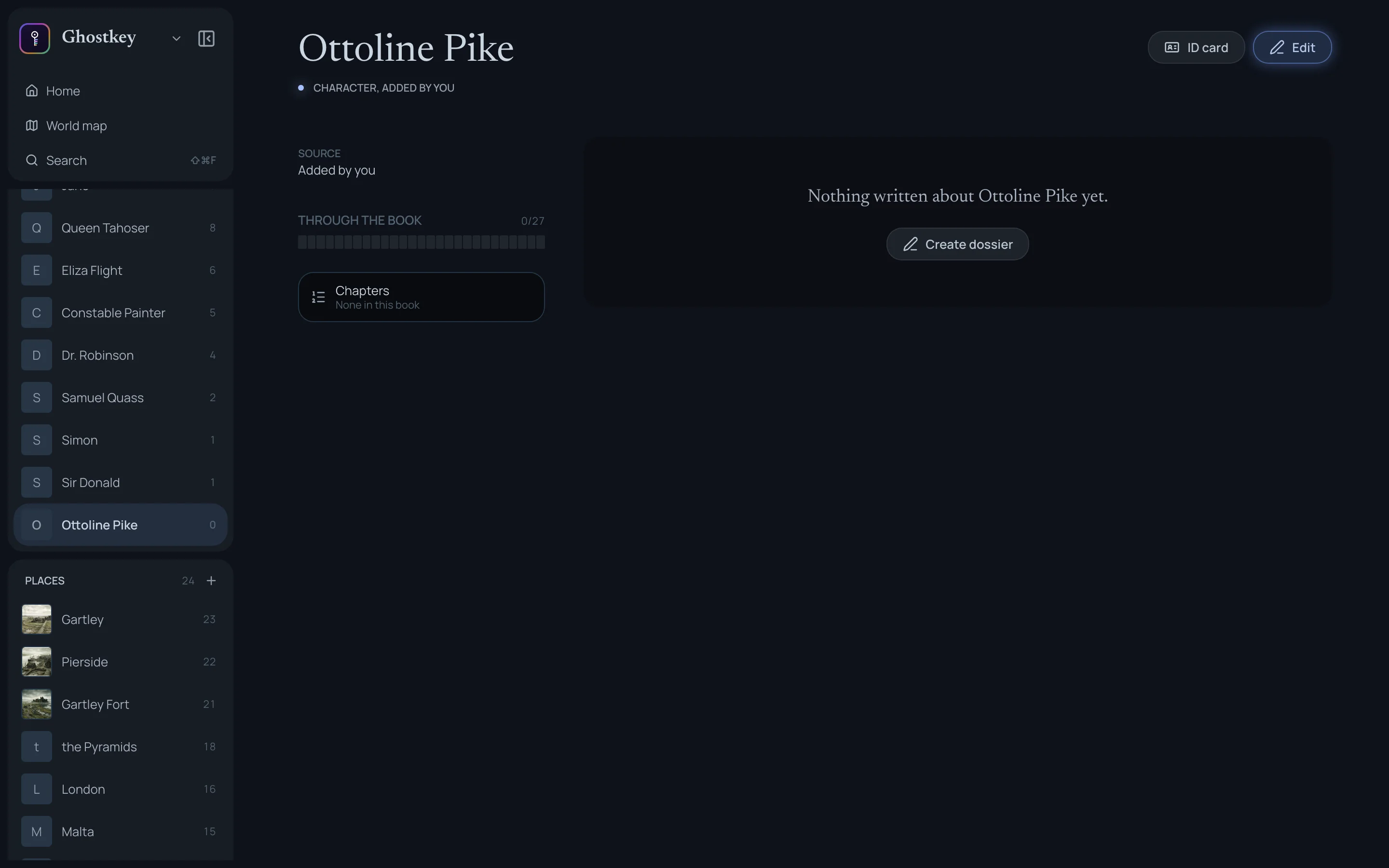
Open Veil from your book. On the cast page, click Add, choose Character, and type their name. Then click their name in the list to open their sheet, and click Create dossier.
The backstory: answer questions
The dossier is where the character’s history lives. You can write it however you like, but the easiest way in is Answer questions.
Ghostkey asks one question at a time, and its questions are about how their personal history, and how they grew up, shaped them into the person they are now. Where they were born. The old hurt they still carry. What they’re most afraid of. The lie they believe about themselves.
Take your time with these. Think about what they believe, how their childhood shaped the way they see the world, where their flaws come from. Skip any question you don’t have an answer for yet, and click Next question for as long as you want to keep going.
Each answer is filed in their dossier, under its own heading. When you’re happy with what’s there, click Done and move on to the GMC.
The GMC
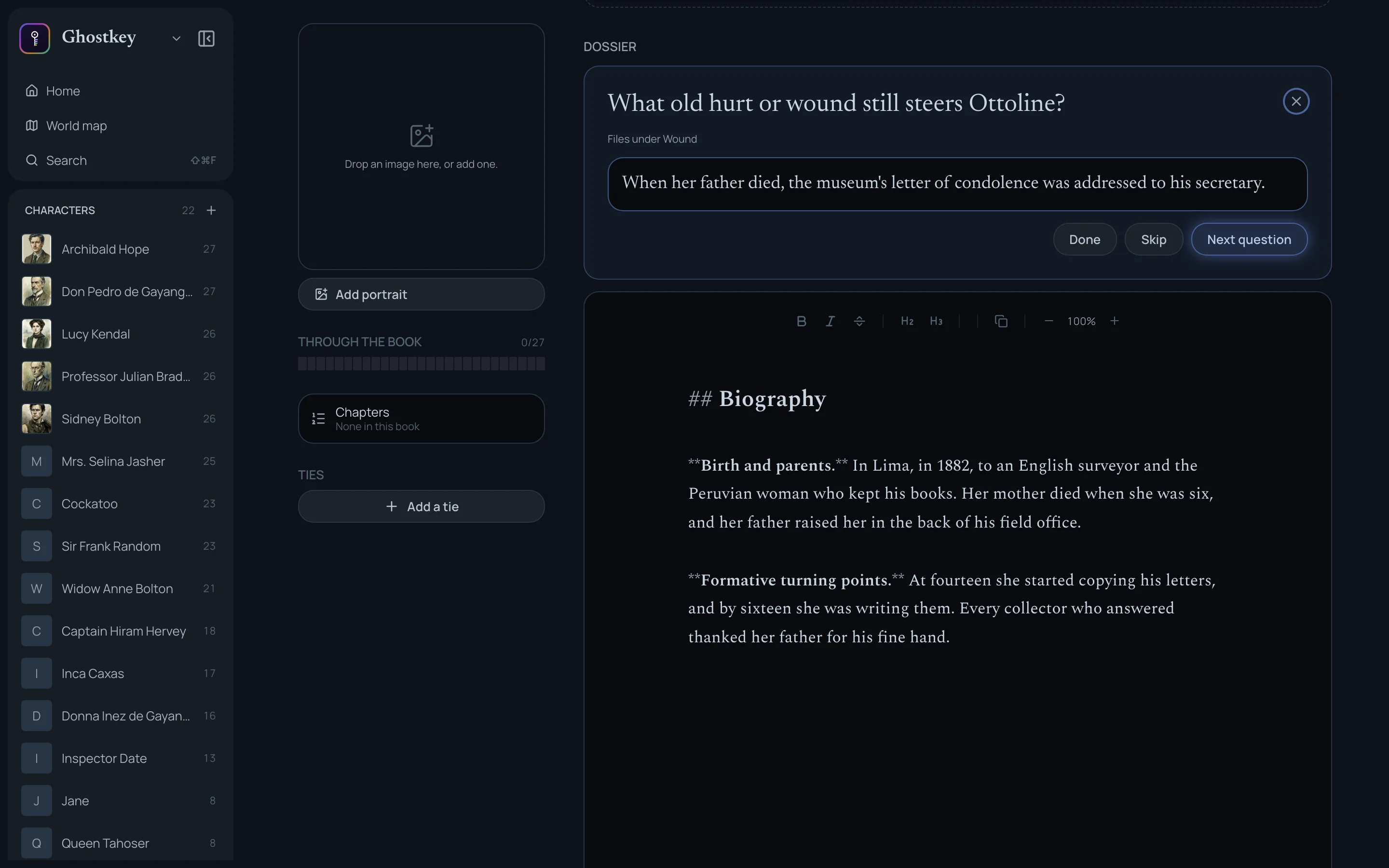
The GMC is split in two: external and internal. The external side is how the character impacts the story. The internal side is how the story changes them. Every story is about a character changing: that’s the character arc.
On the sheet, in edit mode, it’s a grid: Goal, Motivation and Conflict, each answered once under External and once under Internal.
External
The goal is what drives them in this story. Saving someone. Being a good bridesmaid at their friend’s wedding. Finding the murderer.
The motivation is why they want it, and it’s tied to the backstory you just wrote. Writers often go with the obvious motivation: she wants to save her sister because her sister is in danger (duh). To make her really compelling, tie her relationship with her sister to how she grew up. Her sister is their dad’s favourite, and she craves her parents’ acceptance (Wicked). Her sister is the only person she truly believes is good, and she doesn’t value her own life nearly as much (The Hunger Games).
The conflict is where the goal and the story clash: all the dangers and difficulties in your character’s way.
Internal
The internal GMC is the reverse: how the story changes the way the character sees things.
Back to our bridesmaid. Her internal goal: she wants to be the perfect bridesmaid because she feels lonely, and she doesn’t want her friend to see through her mask.
The motivation is the why of that goal: she grew up fiercely independent (there’s the backstory again), and showing emotion feels like showing weakness.
The conflict is how her picture of herself resists the story’s truth. Her efforts to hide her feelings push away the friend she needs right now, and leave her feeling even more alone.
Under the grid there are two more rows, Wound and Arc, if you want to name the old hurt and the change outright.
What they look like
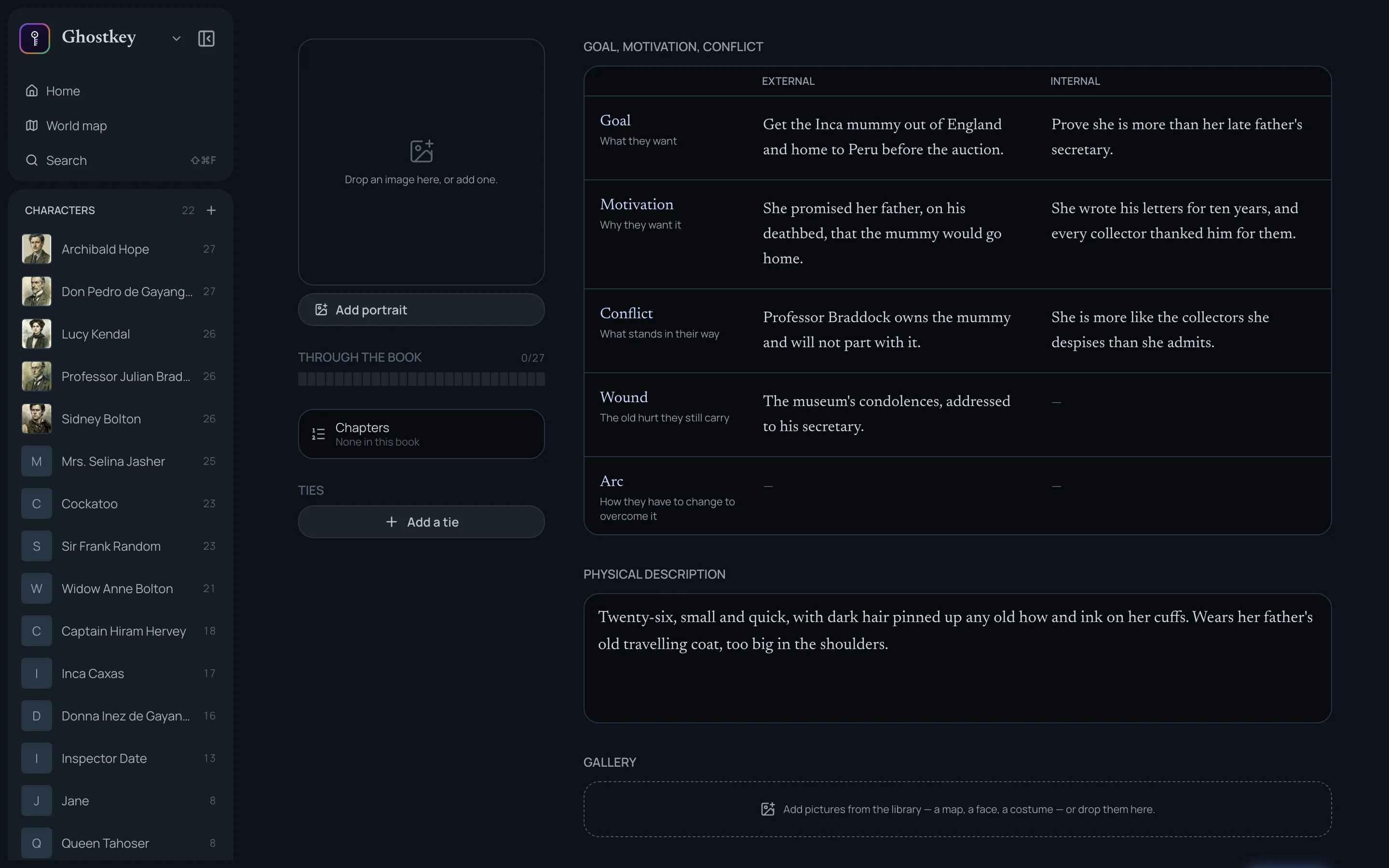
Once the backstory and the GMC are filled in, you get the fun part. What does your character look like?
It’s often interesting to play with contrasts. Someone small but assertive. Beautiful but shy. You can also give them something distinctive. Will violet eyes turn your main character into a Mary Sue? Maybe. But readers will notice them, and they’ll remember them.
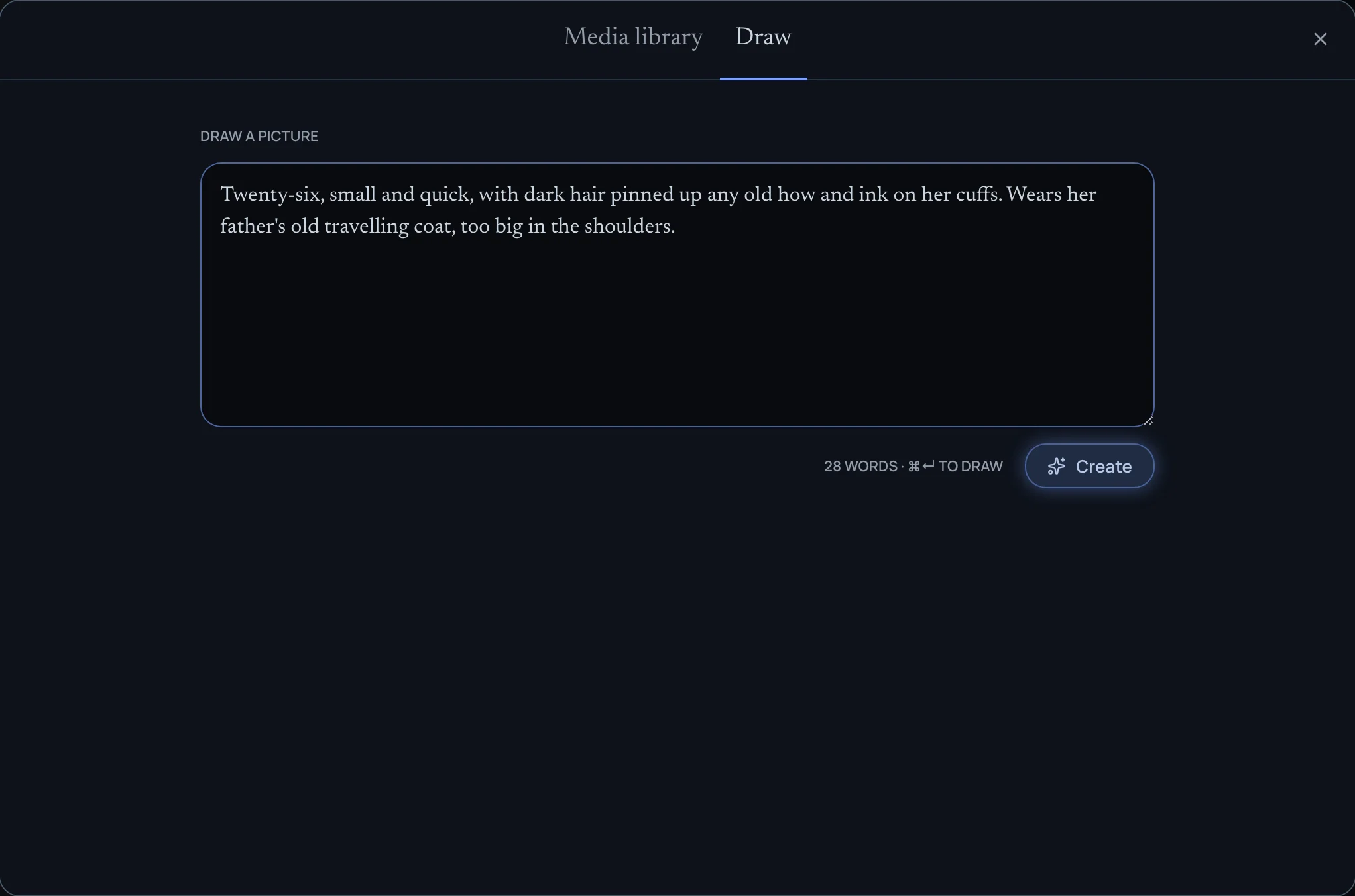
Write it in Physical description. Then, on the portrait square, click Add portrait and choose Draw: your description is already in the box, so click Create, and Ghostkey draws a portrait you can glance at whenever you need a quick reminder.
Your character is ready
Type their name in a chapter in Apparition, and they show up in the margin, under In this chapter. Click them to open their card: Find their GMC tells you where they stand at that point in the book, and Open in Veil → takes you back to the full sheet.