Interactive plotting
Interactive plotting means working out your plot with PhantomMemory, the chat. You talk it through, and the plot builds up beside the conversation as you go.
Start the conversation
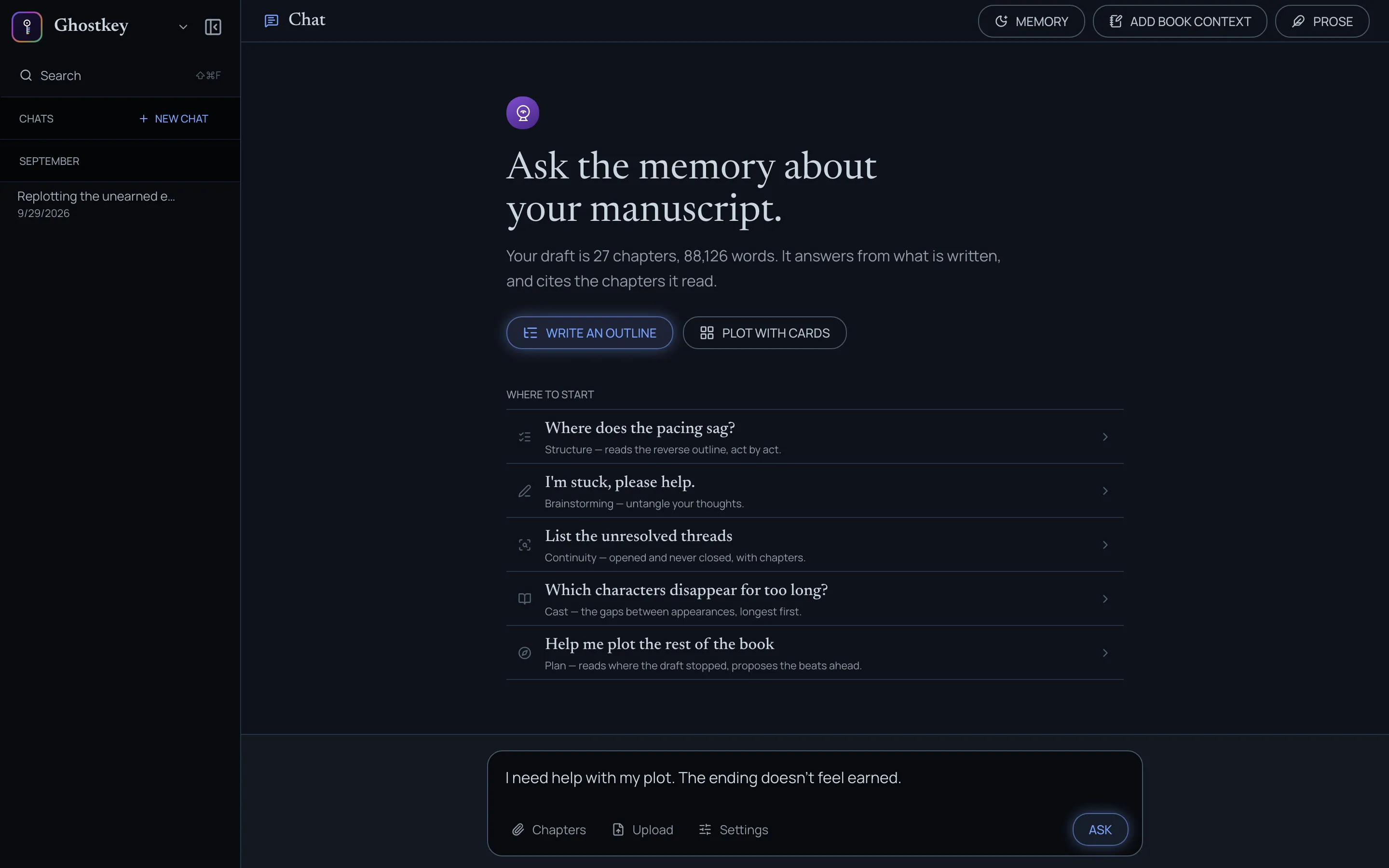
Open PhantomMemory and tell it you need help with your plot. Say as much or as little as you know: “I need help with my plot” is enough, and so is “The ending doesn’t feel earned”.
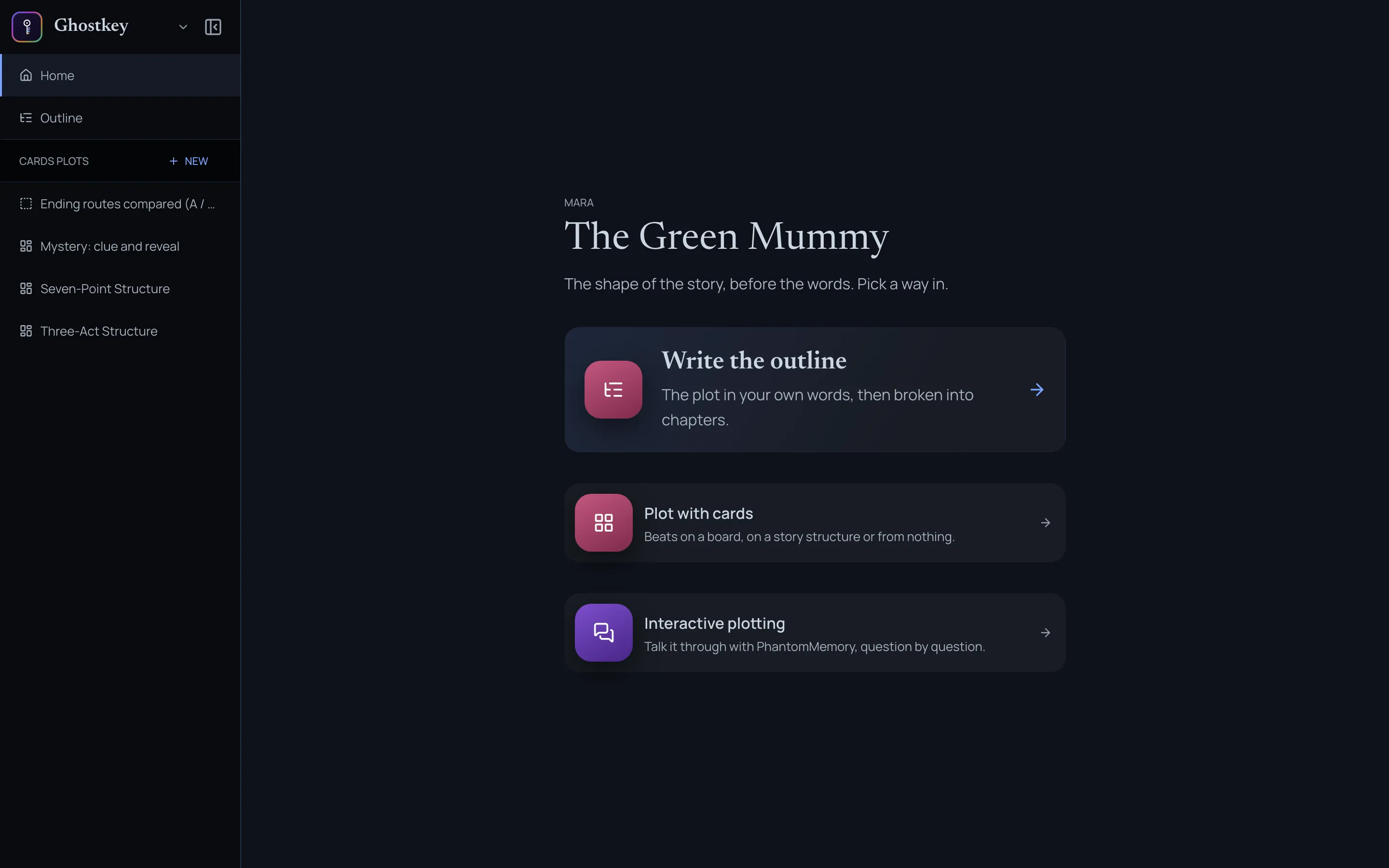
You can also start from Mara, the plotting room: Interactive plotting on its home page opens a new chat that has already asked for help.
The plot opens beside the chat
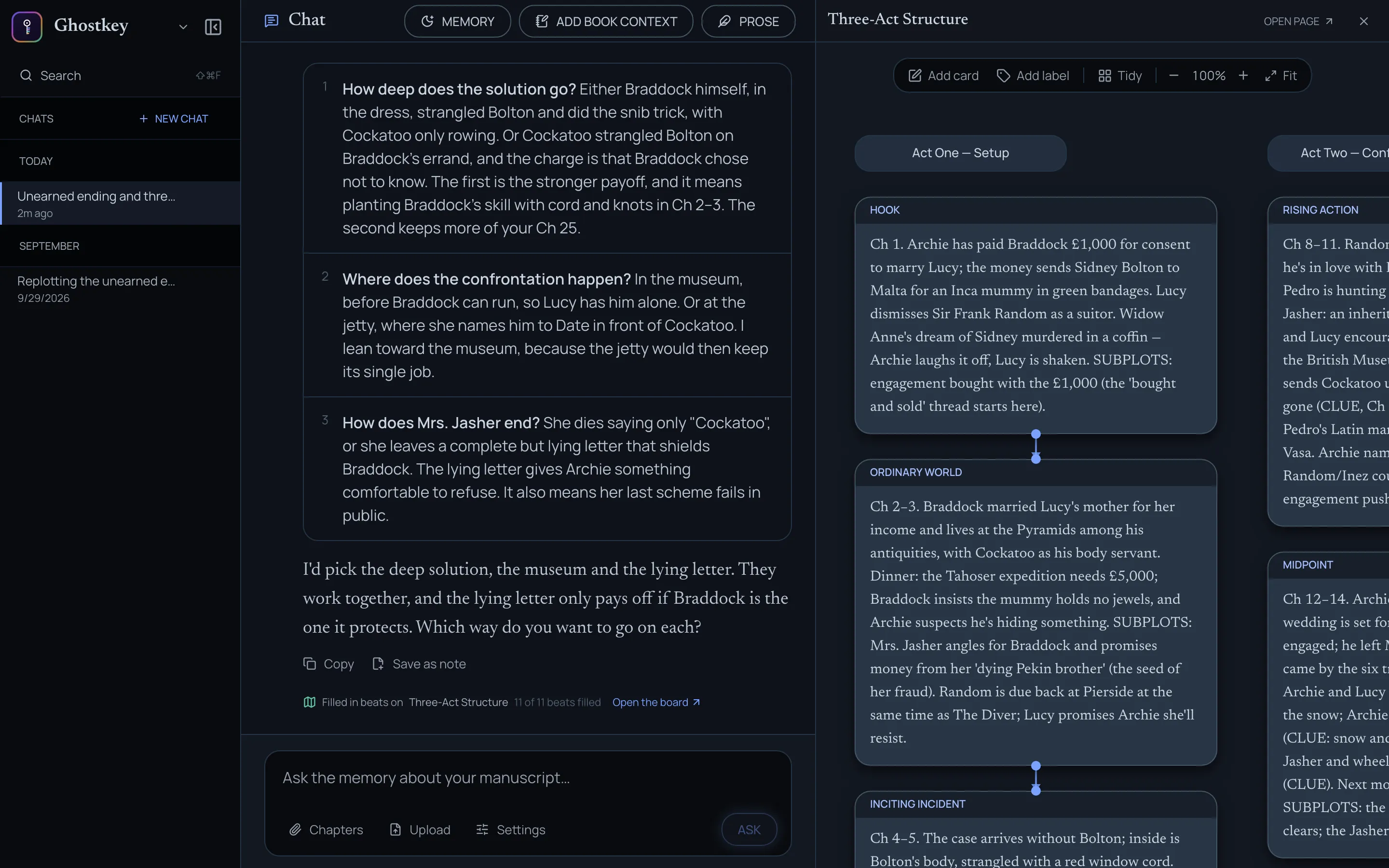
As the plot takes shape, the chat lays it out next to the conversation. By default, that’s cards on a board. If you’d rather work in prose, ask for an outline and it opens the outline there instead.
Under each answer that changed something, a line says what was written and links to the full page.
Iterate until you’re happy with it
Keep talking. Answer its questions, push back, ask for alternatives, and ask it to compare routes side by side. Each round changes the board or the outline in front of you. Keep going until the plot is one you’re satisfied with.
Say which plot shape you want
The chat will often steer you toward a plot shape it thinks matches your book, and it isn’t always the right one. If you have a structure in mind, say so plainly: “Use a romance beat sheet”, “Keep it to three acts”. If you’re not sure which one you want, see Picking the right plot shape.
From plot to chapters
Once the plot takes shape, the chat will offer to plan your chapters. You can also ask it to switch at any time. The chapter plan is a conversation of its own: see The chapter plan.